

1 sentence in. A shared ride out
Type your trip the way you would say it. PairMee reads it, shows the people already heading your way, and lets you ask to join or post your own ride in 1 tap.
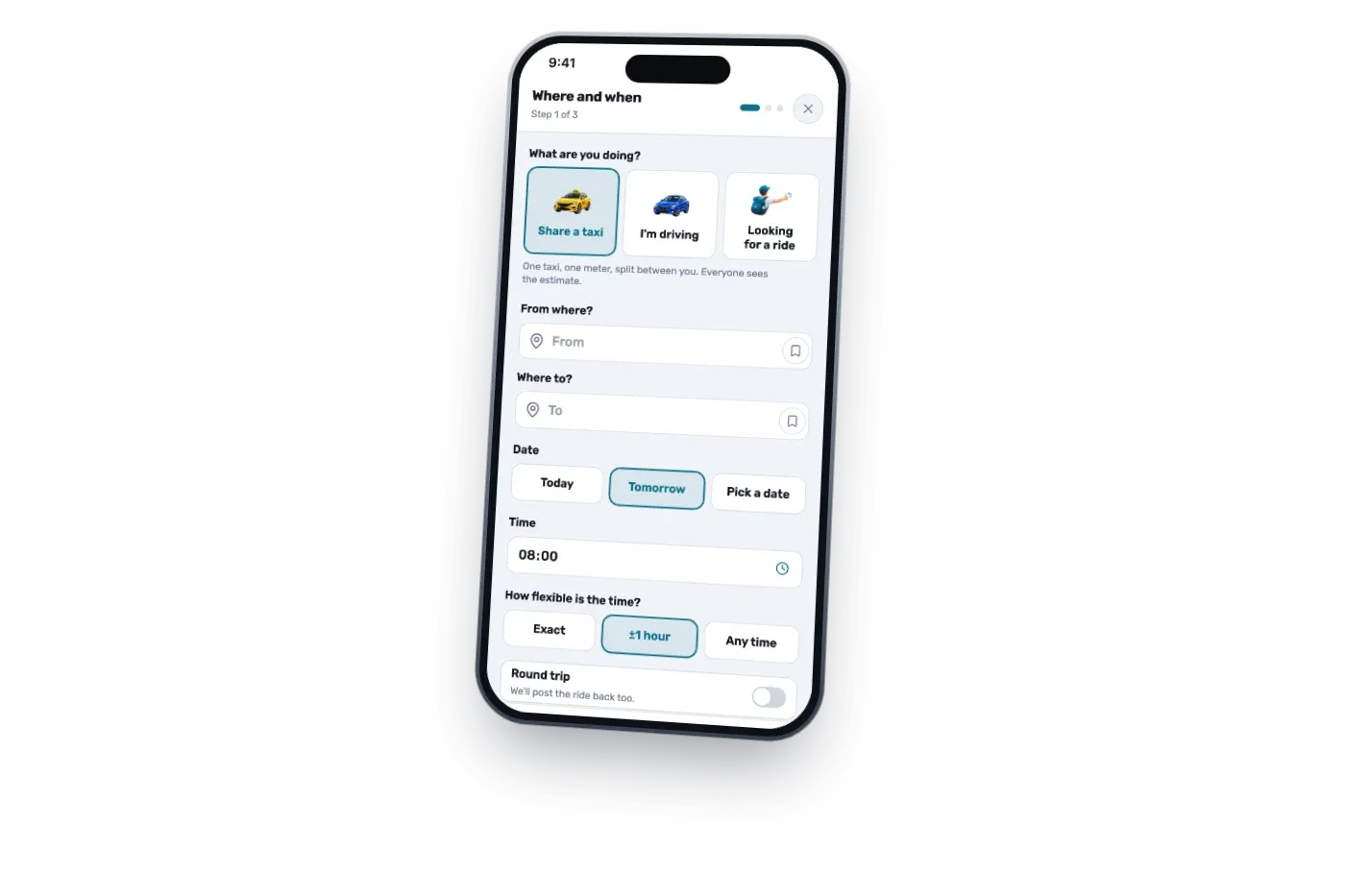
Say your trip in 1 sentence
Write it the way you would text a friend: from Tel Aviv to the airport tomorrow at 9. Any language, no form.
See who's already going
People on your route show up with a profile and the fare each of you would pay. Every profile is real, no anonymous accounts.
Ask to join, or post in 1 tap
Nobody going yet? Your sentence becomes your own ride post, and you approve who joins.
Meet up, ride, split the fare
Agree on a pickup in chat, ride together, and settle the fare between you. Rate your ride partner after.

Plan on your laptop. Ride from your phone
PairMee runs in the browser. Post from your desk, get the request on your phone, chat on whichever is closer.
Nothing to install
Open app.pairmee.com and sign in with Google.
Add it to your home screen
It behaves like an app, with notifications for requests and messages.
Good to know
All questions and answersDo I need an account to search?
No. Searching is open to everyone. You only sign in when you ask to join a ride or post one, and your search carries over.
What does it cost?
Nothing. No booking fee, no matching fee. Riders settle the fare between themselves.
Who decides who joins?
Whoever posted the ride. A request is a question, never a booking.
Is PairMee a taxi company?
No. PairMee matches people. You share a regular taxi or a private car.

Ready to share your next ride?
1 sentence is the whole search. Posting is free, and nothing is confirmed until you approve a match.